a chrome extension

Stop tab-switching
to talk to your AI.

Highlight any sentence. Snip any chart. Send it to ChatGPT, Gemini, or Claude — without ever leaving the page you're on.
Made for curious readers, researchers & tab-hoarders.
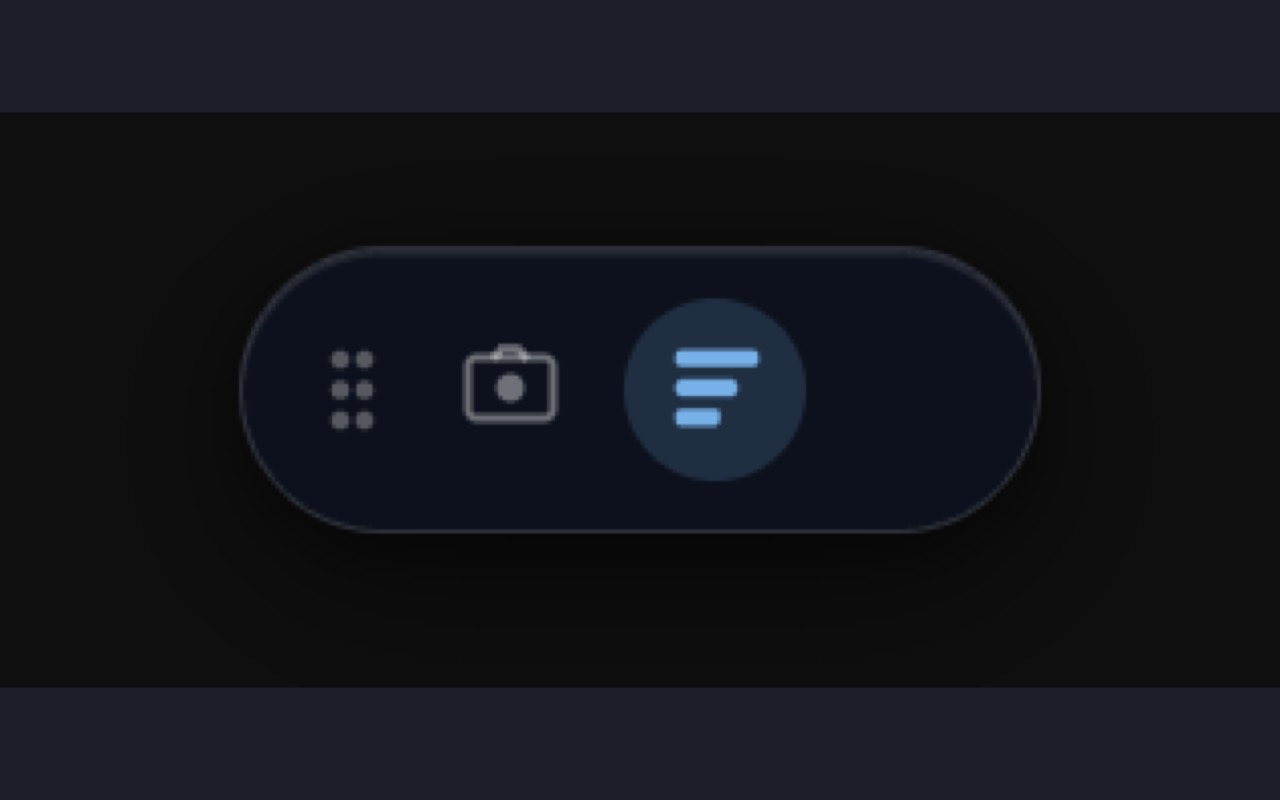
Tasuku floating toolkit toolbar
the toolkit — ready when you need it
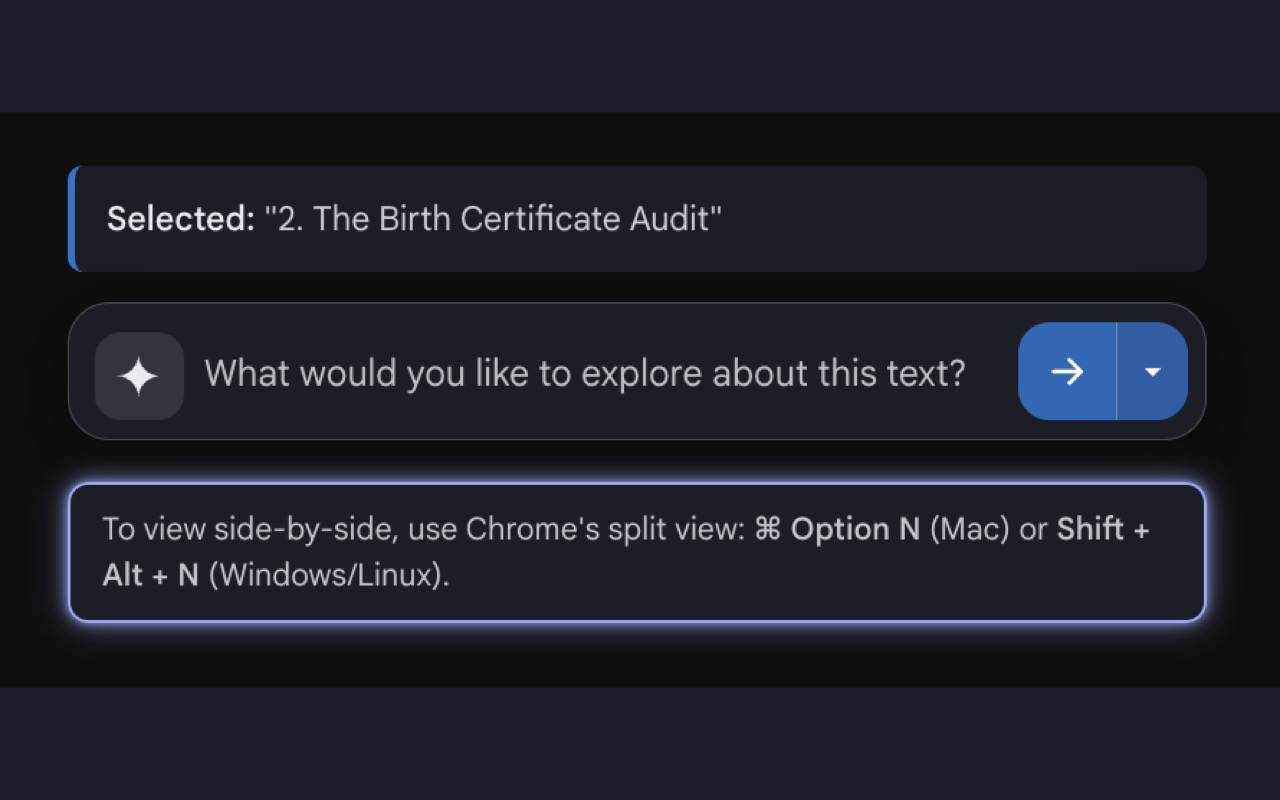
Tasuku selected text prompt composer
select, ask, send
one click
and it's
in your chat.
Highlight. Send. Ask. No more copy & paste. Highlight. Send. Ask. No more copy & paste. Highlight. Send. Ask. No more copy & paste. Highlight. Send. Ask. No more copy & paste.
three steps. one tab.

It's as easy as 1 · 2 · 3.

No setup. No new login. Just install the extension and the toolbar follows you wherever you read.

1

Crop or highlight.

Drag-select any sentence, or click the camera and box around a chart, table, or diagram — anything you'd normally copy.

2

Click.

One tap on the floating toolbar. Add a prompt if you want, then pick ChatGPT, Gemini, or Claude.

3

Send.

Your selection lands in the chat with full context — already there, ready for you to ask. No copy-paste.

live demo A recipe you'd normally retype by hand Step 1 / 4
smittenkitchen.com / banana-bread
Recipe · 12 min
Brown Butter Banana Bread
3 ripe bananas, mashed
½ c butter, browned
⅓ c whole milk
¾ c brown sugar
1¾ c all-purpose flour
1 tsp baking soda

plays nicely with all your favorites

Gemini
ChatGPT
Claude
Perplexity
"
I used to have fourteen tabs open just to ask my AI one question. Now I have one.
— a happy reader who now finishes their work before lunch
come on in, the water's fine

Stop juggling tabs.
Start asking.

Ten seconds to install. Free forever. Works with the AI you already pay for.

Add Tasuku to Chrome